

Epic Work Zoom Meeting Fails
TABLE OF CONTENTS



When you set your alarm for 1 minute before your first meeting (apparently on Christmas morning).
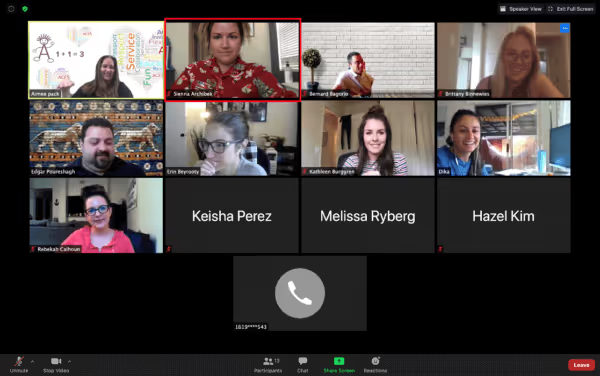

Dress Code FailEnsure you are adhering to ACES dress code during work hours when attending Zoom Meetings.

Sienna is either in a scary movie or it’s midnight at her house (and Kathleen’s banana looks delicious).
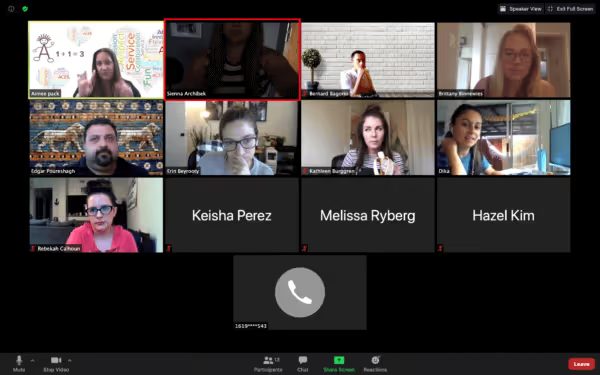
Lighting Fail and Full Face in Frame FailNatural light is best for everyone to see each other clearly (avoid backlighting) and make sure your camera is at eye level.
What’s a work meeting without some booze!
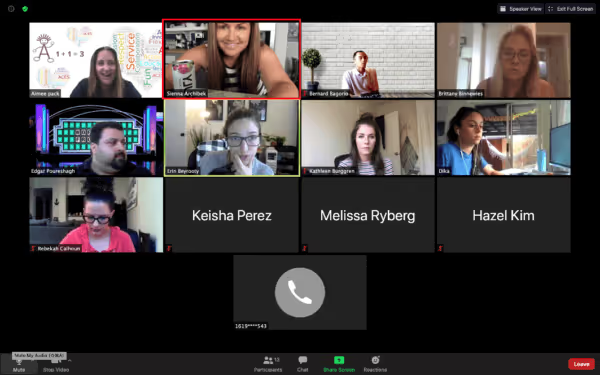
Appropriate Background or Items in View FailEnsure your background is free from distractions and all items in view are professional. If your background is not appropriate, use an ACES background instead!
Social Distancing Please (and you are making us a little sick)!!!
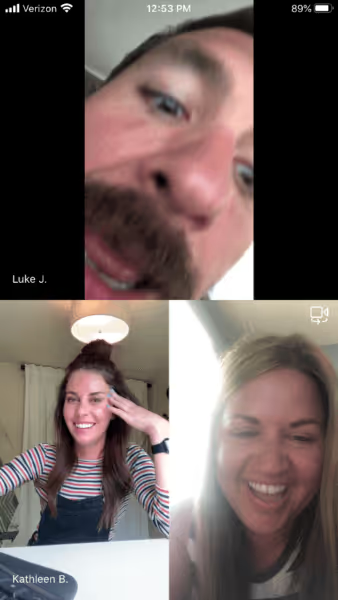
Appropriate Space and Movement FailMake sure you aren’t too close or too far away from the camera or walking around during your Zoom Meeting as it is distracting and can also make other participants nauseous.
Rock-a-bye baby on the tree top . . .
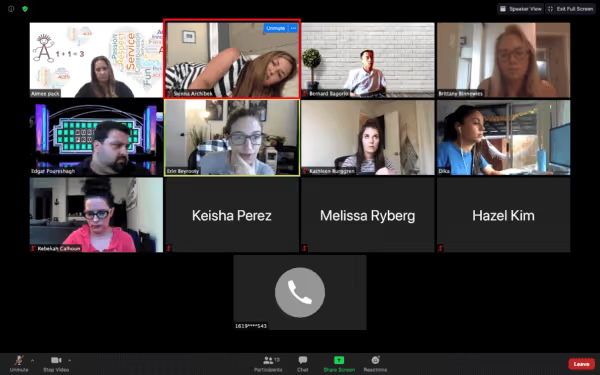
Remaining Alert FailSit up straight and remain alert during Zoom Meetings.
You’re working, but your husband wants to know when dinner will be ready.
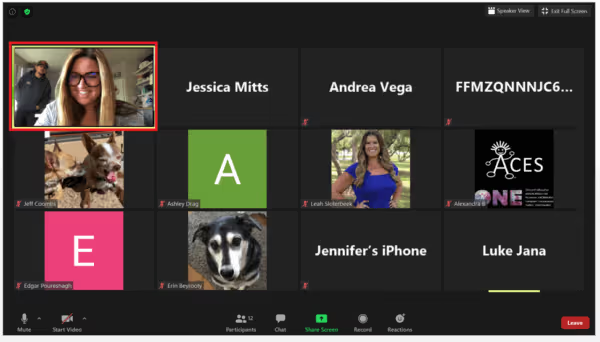
Privacy/Quiet Area FailChoose a quiet area to ensure there are no distractions/interruptions and no one can view your Zoom Meeting as private information may be discussed. In addition, keep yourself on mute unless you are talking just in case you have a surprise visitor or extra noise in the background (e.g., dogs, kids, doorbells, other conversations).
I feel pretty! Oh so pretty! #yourzoomcameraisnotamirror
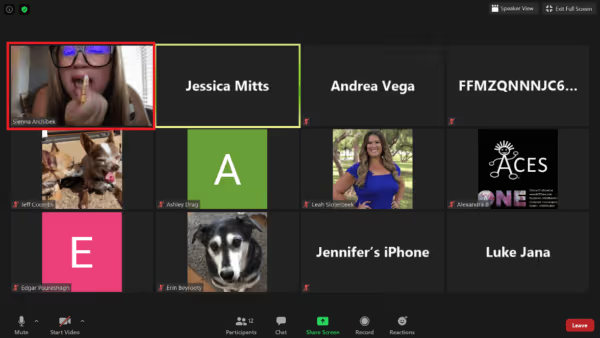
Attention FailAttend appropriately during meetings instead of multi-tasking and don’t use your Zoom camera like a mirror to primp or stare at yourself during Zoom Meetings.
Good oral hygiene is important, especially during a pandemic when all the dentist offices are closed!
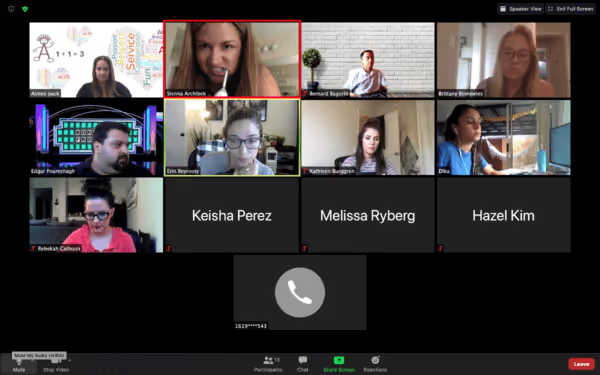
Appropriate Activities FailSave inappropriate/outside of work activities for before or after your meetings or turn off your camera briefly if they are unavoidable (e.g., no one wants to watch you brush your teeth, have a coughing/sneezing attack, eat, have a conversation with someone else, reprimand your kids, clean your house, change clothes, use the bathroom, etc.).
I freaking LOVE cats!!!!!!
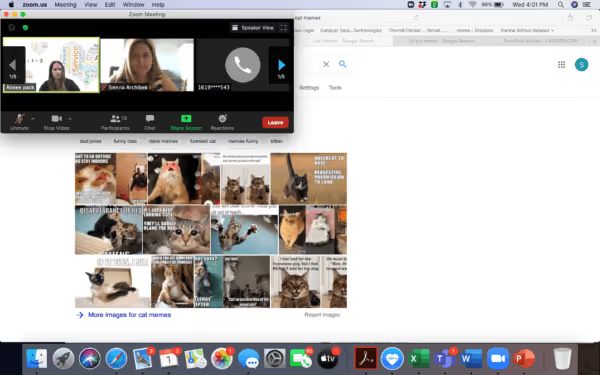
Screensharing FailBe aware of what is open on your screen before you screenshare. Close all inappropriate/personal websites and pay close attention to the open tabs at the top of your screen where website titles are visible. Also, make sure there are no HIPAA breaches with emails, reports, or other documents with identifying information open when you start screensharing.
When you live in a world of bots. Is anybody out there?
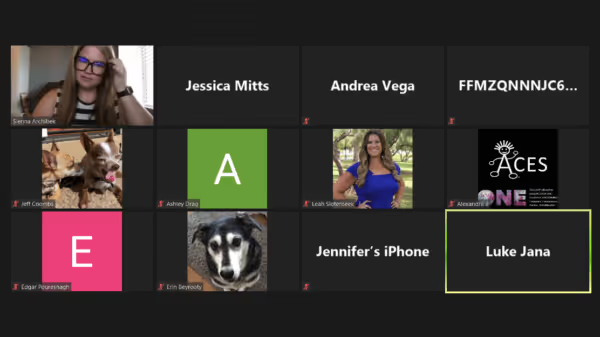
Camera FailAlthough we understand that it’s not always convenient to be on camera, research shows that those on camera during Zoom Meetings are more likely to be engaged and participate (well, there really isn’t any “research,” we just all know it’s true). Whenever possible and especially when having work meetings with others who are outside of ACES, be prepared to be on camera and interactive with the group and be careful to avoid all the “Fails” above. Happy Zooming!
In all seriousness, please remember to remain professional and keep your clinical quality high as you would during in person sessions!
Related posts




Expert Insights for Families
Receive trusted information, practical guidance, and the latest resources from our clinical team.